Dictation that writes what you meant.
Say your reply in your own words, and get a professional email response in your tone, matched to the conversation. Not a transcript you have to fix. Just review it and send. Built for people who handle 10+ emails a day.
Key features
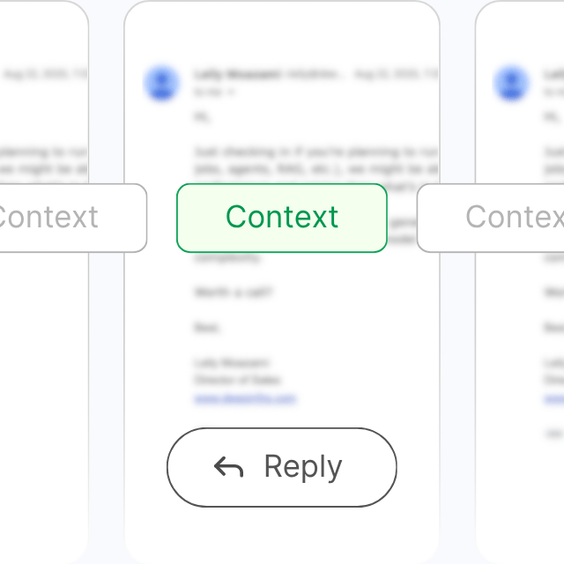
Just say the point
No need to dictate the whole email. We read the thread and turn your point into a professional email.
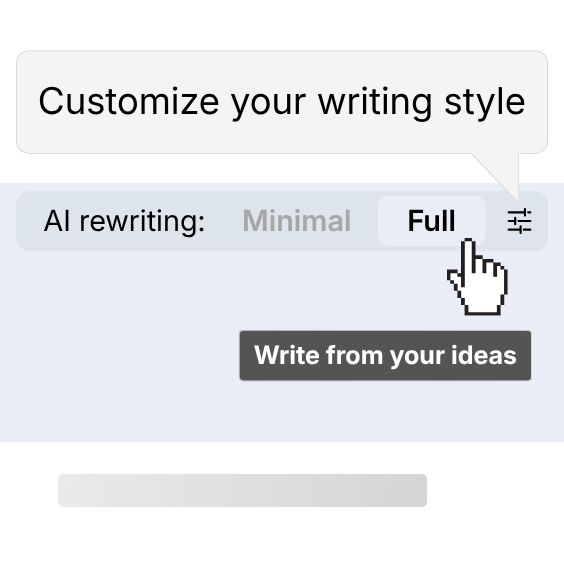
Make it write like you
Draft says too much, or not your way? Set your writing style once, and every email follows it.
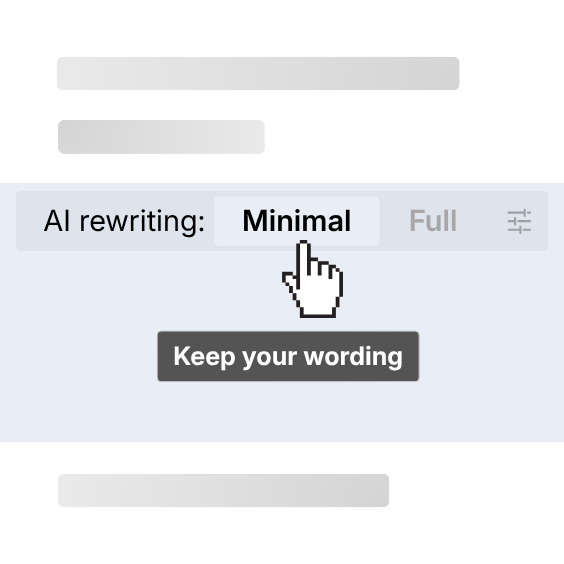
Or keep your exact words
You speak fine already? Set AI rewriting to Minimal, and we only add punctuation and structure.
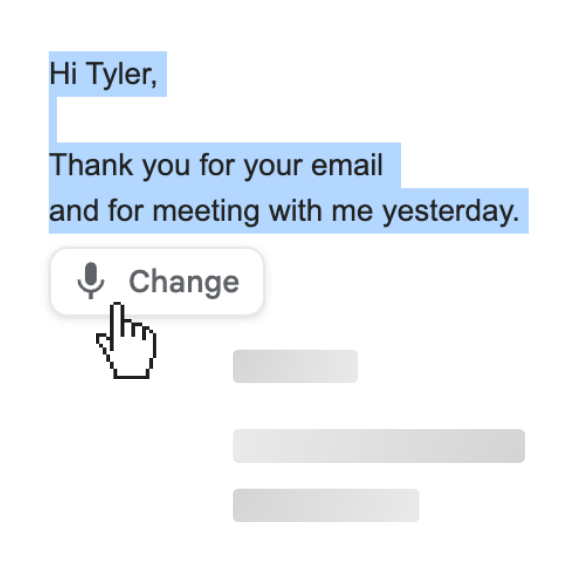
Fix parts by voice
Not happy with a part? Change it by voice, at the same speed you spoke it.
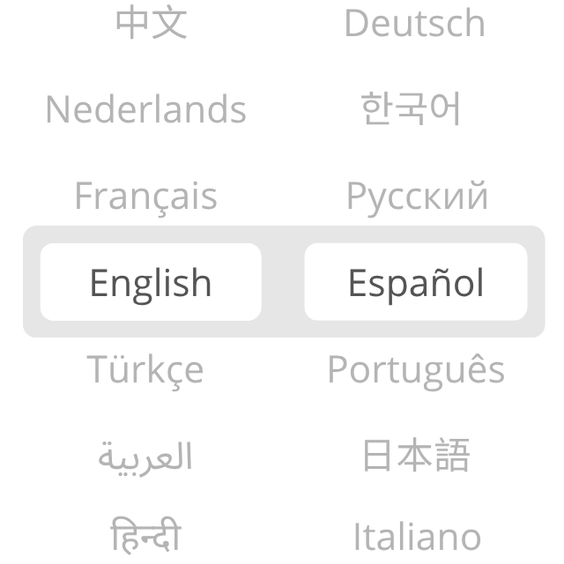
Speak your language
We understand 100+ languages and dialects and reply in your recipient's. You check the meaning in yours.
Right inside Gmail
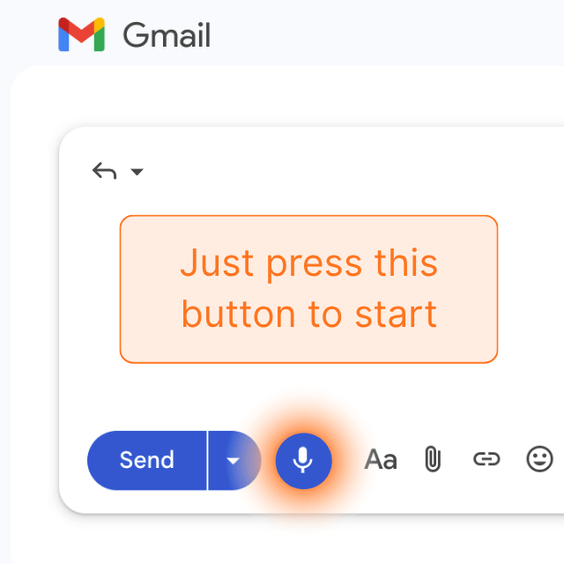
No complicated setup, two clicks to a ready reply. No new app, no copy-paste.
Twenty emails on a good day. Each one wants a “proper” reply.
In chat you'd type “OK” and move on. Email won't let you. Etiquette wants full sentences and a polite close, so an answer you knew in ten seconds turns into five minutes of typing. Twenty of those and most of two hours is gone.
But the answers were never the hard part. It's the typing that eats hours of your week, and those hours belong to the work only you can do.
You decide the answer.
It does the writing.
Say the decision in one breath, and a complete, professional reply appears in the thread.
Minutes back on every email
The proper-reply tax drops to the time it takes to say it.
Consistent from email #1 to email #20
The last reply of the day reads as sharp as the first.
Your tone, not "AI tone"
Replies sound like you wrote them, matched to your style and the conversation.
Your exact words, if you want
Minimal rewriting keeps your wording and only fixes structure and grammar.
No more AI chat in another tab
No instructing a chat about every email and pasting the result back. It already knows the thread.
The final result is yours
You read every draft before it goes. Nothing sends without your review.
Three steps, inside Gmail
1. Open the reply and press record
The extension lives in your compose window. No new app, no tab switching. Just press "Start Recording" and say the point.
2. Say it the way it comes to you
Your language, your accent, half-sentences welcome. It composes the email from what you mean. When you're done, press stop.
3. Read it once and send
The draft appears in the thread, in your voice, ready to go. Want to change something? Edit by voice too, just say "warmer" or "shorter".
Free to start. Pay when it saves you hours.
Free
- Up to 20 emails
- 150 initial credits
- Credits never expire
- Unlimited recording length
- 100+ languages and dialects
- Email support
How Credits Work
Subscription Credits
These credits reset at the beginning of each billing cycle. They're always used first before any one-time credits.
One-Time Credits
These credits never expire on your account balance. They're applied after your subscription credits run out.
Different types of emails can use different amounts of credits, but most emails typically cost around 3–10 credits to generate.